MCP Bridge for GDevelop (unofficial)
A downloadable tool
Build your GDevelop game together with your AI assistant
MCP Bridge connects AI apps that support MCP — Claude Desktop, Claude Code, Cursor and others — to the GDevelop 5 games saved on your computer. Ask in plain words, and the AI reads your project, adds objects and events, plays the game to check it, and tells you what changed.
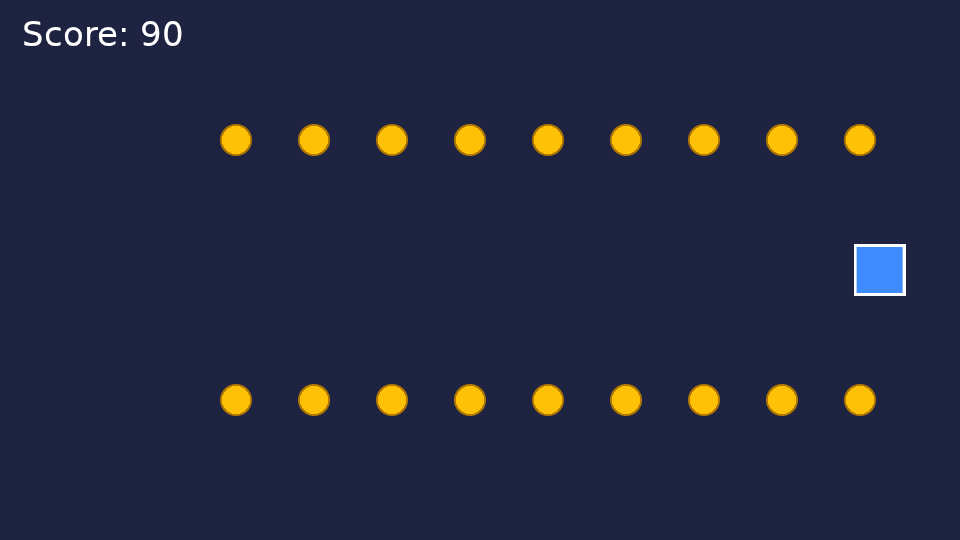
"Make a new game: the player moves with the arrow keys, 10 coins to collect, and a score."
"Why does the enemy never die? Check the events."
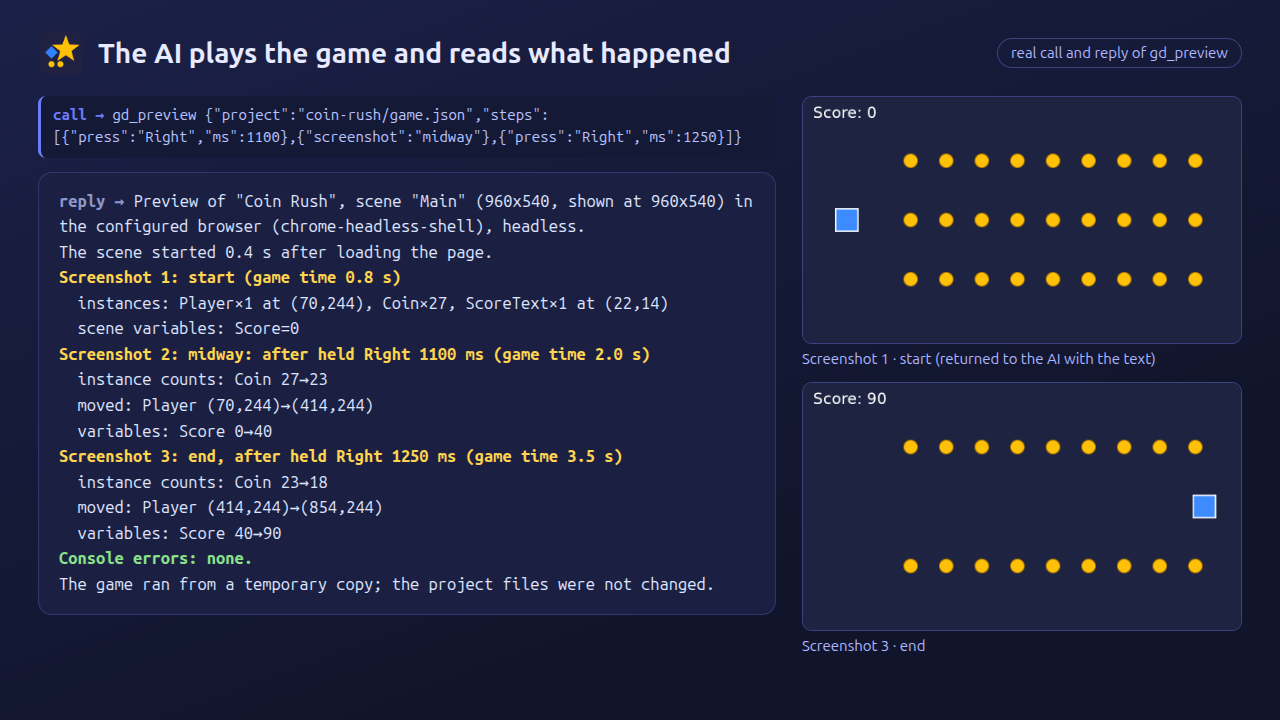
"Play the game, hold Right for 2 seconds and tell me what happens."
Made so it doesn't break your project
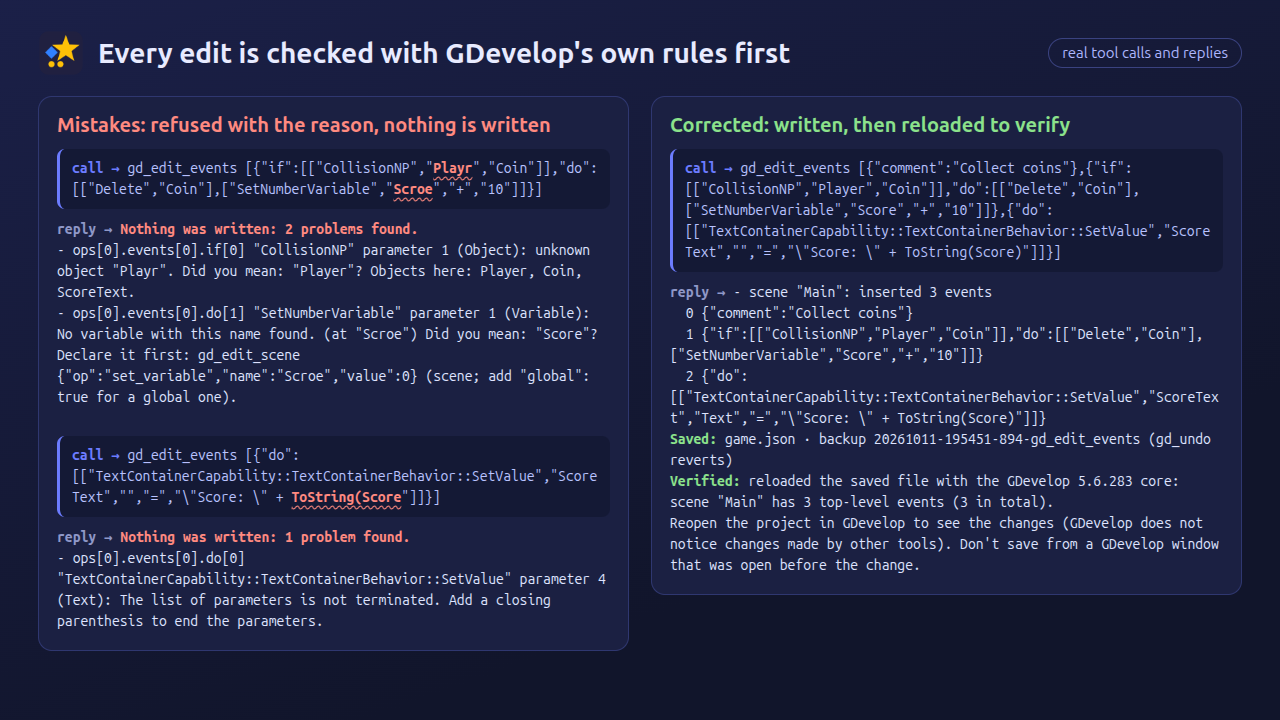
- Checked before writing — every change is validated with GDevelop's own rules (instruction names, parameters, objects, behaviors, variables, layers, key names). A mistake is refused with the closest correct names, and nothing is written.
- Only the changed lines — the project file is patched in place; everything else stays exactly as it was.
- Undo — a backup is made before every change, and one step restores the file byte for byte.
- Stays on your computer — it works only inside the folders you choose. Nothing is uploaded, and the tool makes no internet connections itself.
The AI can see the game run
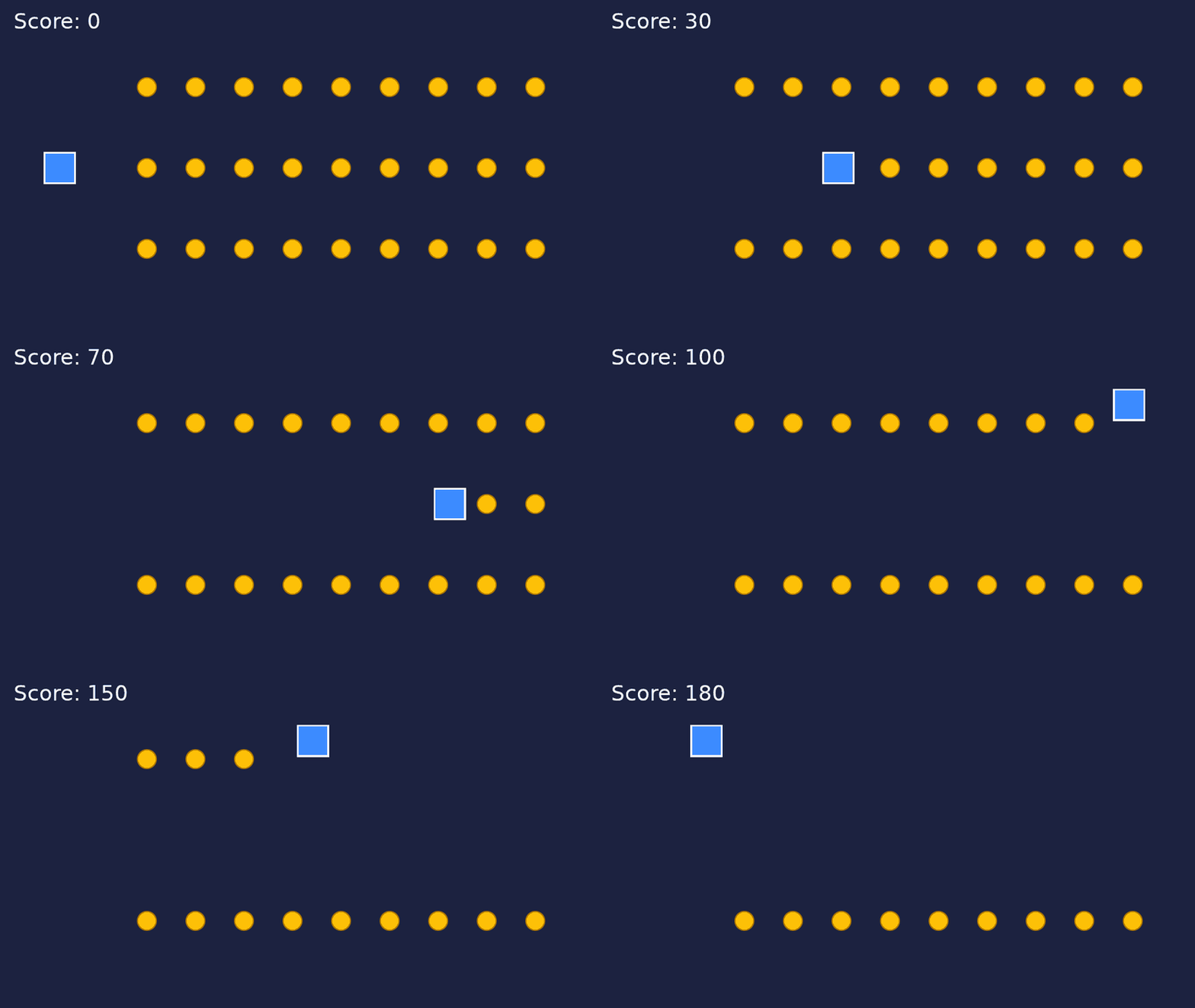
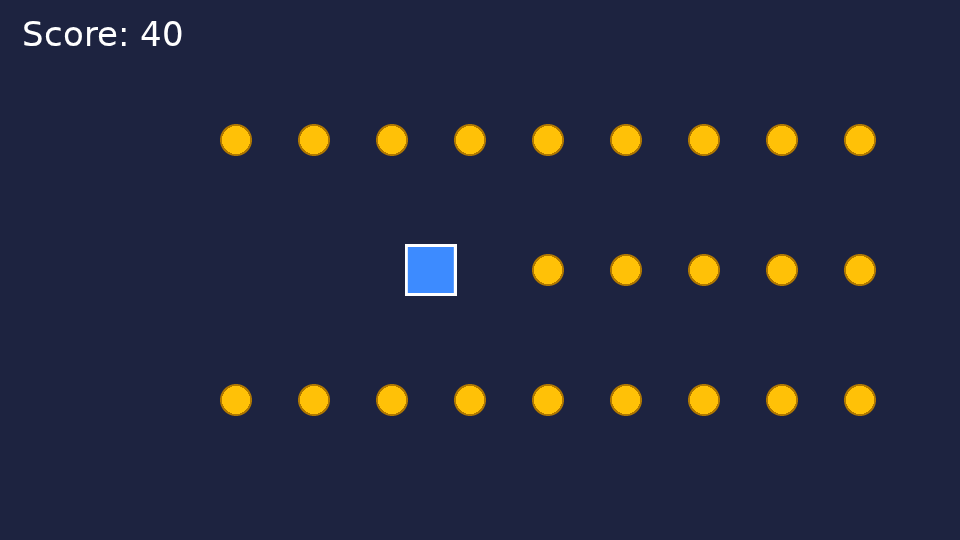
Play-tests run in the background in the Edge or Chrome already on your computer and come back as screenshots plus what happened: positions, counts, variables and errors.
Easy to install
- Claude Desktop — Settings > Extensions > Advanced settings > Install Extension…, pick the .mcpb file and choose your projects folder. No Node.js needed.
- Claude Code / Cursor — unzip and add one line (needs Node.js 20 or newer).
Works with the AI app you already use. No per-request credits.
Tested with
- Windows 11 + Claude Desktop + Microsoft Edge (install, list projects, play-test with screenshots) — a real install, October 2026
- Claude Code on Linux
- Bundled engine: GDevelop core 5.6.283
Not tested on macOS yet.
Please read before buying
- Projects stored only in GDevelop's cloud are not supported. Save a copy on your computer first.
- GDevelop doesn't notice changes made by other programs. After the AI changes your game, reopen the project in GDevelop, and never save from a window that was open before the change.
- Games that use Spine objects can't be play-tested or exported by this tool (license reasons). Use GDevelop itself for those.
- AI can make mistakes. That's why every change is checked, backed up and can be undone. Review your game before you publish it.
About
- Unofficial. Not affiliated with or endorsed by GDevelop or its author. "GDevelop" is the property of its owner.
- Not affiliated with Anthropic, Cursor or any AI provider.
- Includes the open-source GDevelop core (MIT license). See THIRD_PARTY_NOTICES.txt.
- AI disclosure: the code, the guides and the drawn shapes in the screenshots were made with AI assistance, then tested on real installs.
Questions or bugs: please use the comments below. Updates are free for buyers.
日本語
Claude などの AI が、パソコンに保存した GDevelop 5 のゲームを読んで・直して・動かして確かめられるようにする道具です(非公式)。書く前に GDevelop の決まりで検査し、毎回自動で控えを取り、1回で元に戻せます。日本語の説明書(README_JA.md)つき。
Purchase
In order to download this tool you must purchase it at or above the minimum price of $10 USD. You will get access to the following files:
Leave a comment
Log in with itch.io to leave a comment.